Phishing Simulations: Why Go Beyond Click Rates?
Understand the limitations of traditional phishing simulations and discover PhishOS by Hacker Rangers, a gamified approach to cybersecurity awareness training.
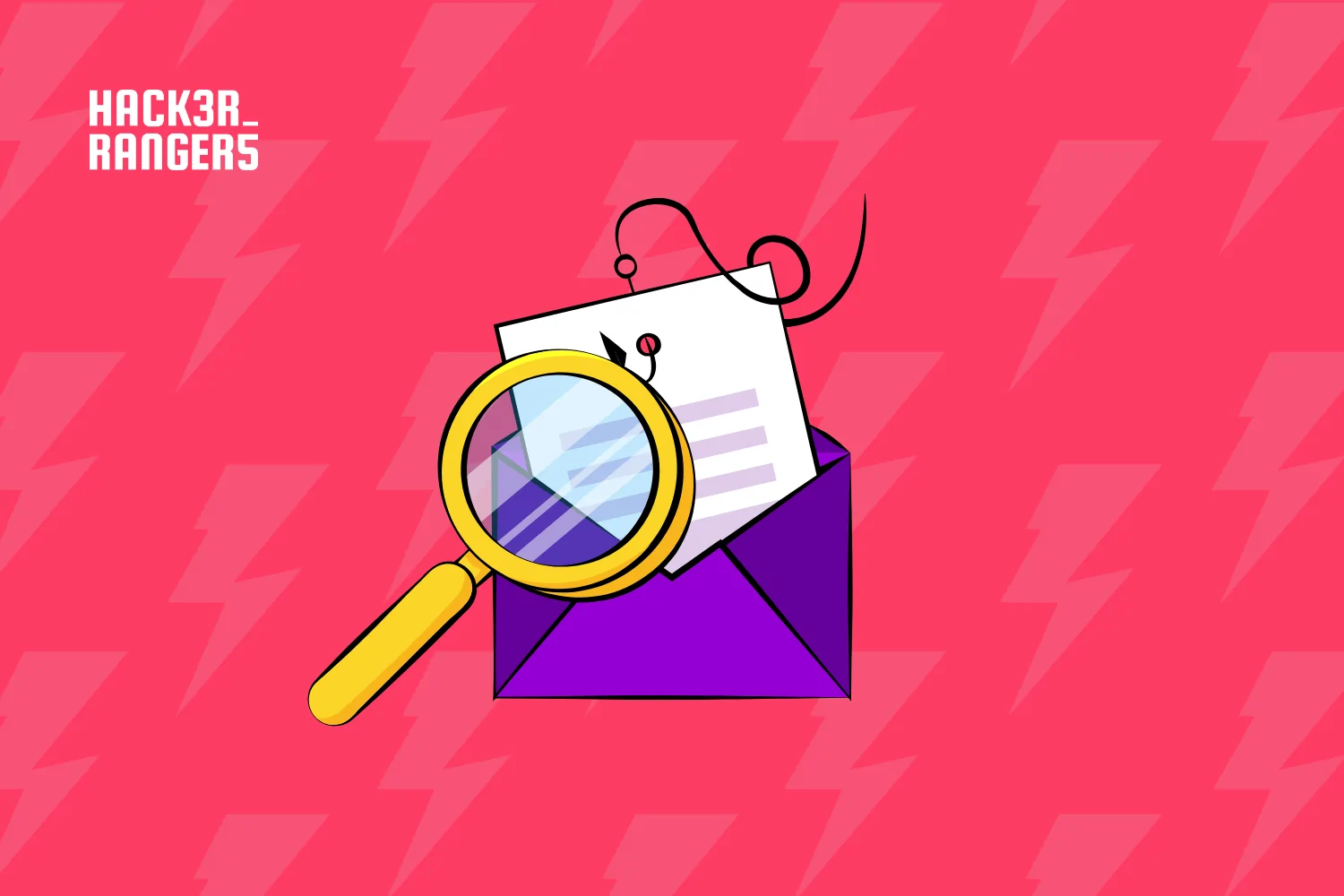
Usually, Phishing simulations are used both to assess and train employees to identify threats. Typically, companies send emails that mimic malicious messages and track metrics such as clicks and reports to analyze how users respond.
But is knowing how many people clicked on an email enough to assess a team’s level of security awareness?
When conducted without proper planning or complementary educational initiatives, traditional simulations can produce metrics that don’t accurately reflect employees’ awareness, increase distrust of corporate communication channels, and create the perception that training is punitive.
At the same time, preparing employees to recognize threats remains essential. The SANS Security Awareness & Culture Report 2026 shows that cybersecurity is both a technical and human challenge, identifying social engineering scams as the leading risk factor, cited by 77% of the security awareness professionals surveyed.
The challenge, therefore, is not simply to test employees, but to prepare them to identify real phishing attempts. That’s why cybersecurity awareness training should go beyond testing and contribute to learning and the development of safer behaviors.
What Are the Limitations of Traditional Phishing Simulation Metrics?
- Click rate: It doesn’t explain why an employee decided to interact with a particular message. A user might click because they failed to recognize warning signs, out of curiosity, or because the email used in the campaign was more convincing. Likewise, not clicking doesn’t necessarily mean they recognized the phishing attempt.
- Templates: The template used can significantly influence the results, making it difficult to rely on click rates as the sole indicator of employees’ preparedness.
- Surprise campaigns: Campaigns designed to catch users off guard or trick them into making mistakes can increase distrust of emails and other official communication channels, leading employees to ignore even legitimate messages.
- Fear of making mistakes: When mistakes are used as grounds for punishment or embarrassment, training can also lose its educational purpose.
What Can a Phishing Simulation Tell You, and What Can’t It?
Generally speaking, traditional phishing campaigns primarily help answer two questions: how many employees click on a link when they receive a malicious email, and how many report the message when they recognize a phishing attempt.
But the list of questions these metrics can’t answer is somewhat longer:
- Do employees know what phishing is?
- Do they understand the security risks involved in their work?
- Why did they click the link? Why didn’t they?
- Do they know what warning signs to look for when identifying a phishing attempt?
- Do they know how to use email safely and confidently?
Without answers to these questions, it becomes harder to understand employees’ level of awareness, identify their main challenges, and tailor training effectively.
Why Aren’t Click Rates Enough to Measure Security Awareness?
A cybersecurity awareness strategy needs to assess not only who clicked, but also which phishing warning signs employees can identify.
Did the user notice a suspicious domain? Did they recognize a sense of urgency? Did they identify an unusual request? Did they spot inconsistencies in the message? Did they notice formatting that didn’t match the context of the message?
This information provides a more complete picture of the team’s knowledge and preparedness, helping identify areas that still need improvement.
What Are the Technical Challenges of Phishing Simulations?
Traditional campaigns also require proper preparation of the company’s infrastructure to ensure that simulated emails are delivered successfully.
Outdated email lists can lead to bounces, while security tools may automatically access links and generate false positives. Improper configurations can also prevent messages from reaching users or cause them to be sent to spam folders.
As a result, simulation outcomes can be influenced by both employee behavior and technical issues.
This shift in perspective is what drives PhishOS, a Hacker Rangers solution that transforms phishing training into a practical, gamified experience.
How Does Phishing Training Work with PhishOS?
With PhishOS, employees access a virtual lab designed specifically for learning. In this controlled environment, they’re challenged to distinguish legitimate messages from malicious ones and identify the warning signs they find.
PhishOS includes more than 350 phishing templates based on real-world scams, including examples involving well-known brands, and uses more than 20 indicators from the NIST Phish Scale.
This allows companies to identify which phishing warning signs users recognize and which ones still go unnoticed. The results can then be used to guide other cybersecurity awareness training initiatives and reinforce areas that need further development.
Traditional Phishing Simulations vs. PhishOS: What Are the Differences?
| Traditional Simulations | PhishOS |
| Send simulated phishing emails to users’ inboxes | Uses a controlled learning environment |
| Primarily assess actions such as clicking and reporting | Assesses users’ ability to identify phishing warning signs |
| Employees are the targets of the simulation | Employees actively participate in the training |
| Can be affected by bounces and false positives | Doesn’t rely on sending simulated emails |
| Use the company’s actual communication channels to conduct tests | Conducts training in a dedicated environment specifically designed for simulations |
| Results are influenced by the template used | Uses different indicators from the NIST Phish Scale |
| Mistakes may be perceived as failures | Mistakes are part of the learning process |
| Identify who interacted with the message | Seeks to understand what users are able to identify |
| Don’t reveal why users clicked or didn’t click on an email | Identifies exactly which phishing warning signs users struggle to recognize and which areas need improvement. |
How Can We Make Phishing Training More Educational and Effective?
In addition to hands-on exercises, PhishOS uses gamification features to encourage engagement. Points, badges, ranks, and leaderboards allow employees to track their progress as they develop their threat identification skills.
The difference lies in the focus: instead of simply finding out who fell for a simulation, the goal is to understand what employees need to learn to recognize a real attack.
Traditional simulations can be part of a cybersecurity awareness program when used with proper planning and a clear educational purpose. But preparing people to deal with phishing requires more than counting clicks.
With PhishOS by Hacker Rangers, employees are no longer just targets of a simulation. They become active participants in their own learning, identifying threats, receiving feedback, and developing safer behaviors.