Cybersecurity Awareness Month: A Practical Guide to Strengthen Your Work Routine
October marks the arrival of a topic of utmost importance for the corporate environment and for everyone’s digital life: Cybersecurity Awareness Month. This is an opportunity to reinforce knowledge and strengthen digital defenses within organizations, ensuring that employees from all areas can contribute to collective cybersecurity. The goal of this article is to serve as […]
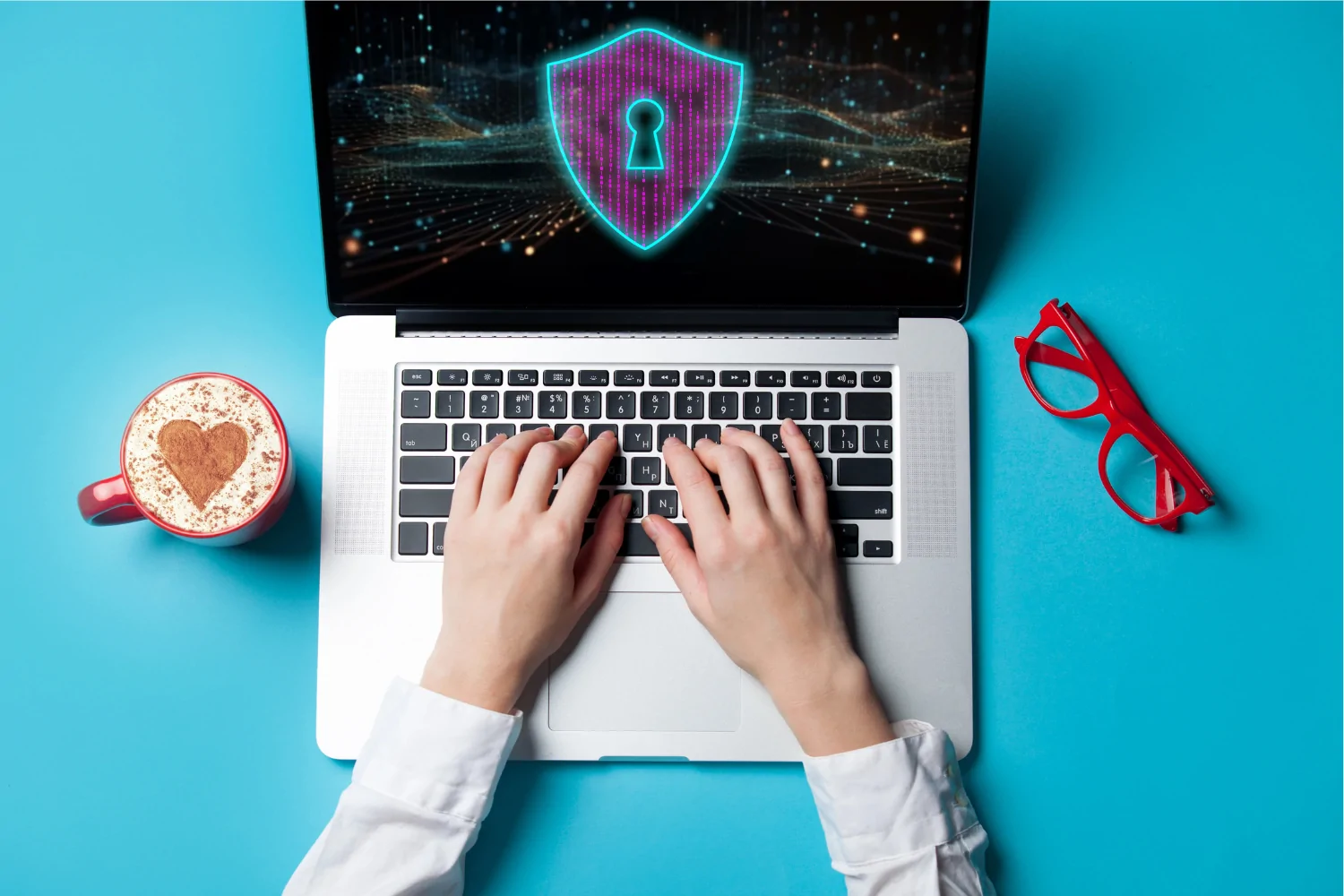
October marks the arrival of a topic of utmost importance for the corporate environment and for everyone’s digital life: Cybersecurity Awareness Month. This is an opportunity to reinforce knowledge and strengthen digital defenses within organizations, ensuring that employees from all areas can contribute to collective cybersecurity.
The goal of this article is to serve as a practical guide, offering tips you can apply to your daily work routine to ensure access protection, data integrity, and practical ways to adopt good cybersecurity practices in everyday activities.
Where did Cybersecurity Awareness Month come from?
Did you know this initiative isn’t new? Cybersecurity Awareness Month was created in 2004 in the United States through a partnership between the Department of Homeland Security and the National Cyber Security Alliance (NCSA). The idea was simple: create a joint effort to educate the public about the importance of staying safe online.
What began as a national campaign quickly spread worldwide. Today, companies and governments across many countries dedicate the month of October to reinforce best practices and ensure that everyone—from IT specialists to everyday users—understands their role in building a secure digital environment.
7 Practical Cybersecurity Tips for Everyday Work
1 — Strong security starts with strong passwords (and multifactor authentication!)
Think of your passwords as the key to the company’s front door. You wouldn’t use a weak key that’s easy to copy, right? The same applies to the digital world.
- Create strong passwords: use combinations of uppercase and lowercase letters, numbers, and symbols. Avoid obvious sequences, birthdays, or “123456,” and use password managers.
- Be unique: don’t reuse the same password for different services. If one is compromised, the others remain safe.
- Enable multifactor authentication (MFA): this is one of the most effective security features. In addition to your password, you’ll need a second code (typically sent to your phone) to access your accounts.
2 — Phishing: the enemy behind the click
Phishing remains one of the most common and dangerous tactics. These are fake messages designed to “hook” your information—such as passwords or banking data—while pretending to be from trusted sources (a bank, supplier, or even a coworker).
- Warning signs: watch for emails creating urgency (“Your account will be blocked!”), spelling mistakes, unknown senders, or suspicious links.
- Golden rule: hover your mouse over the link (without clicking!) to see the real address. If it looks strange, don’t click.
- Always verify: received an unexpected email from Finance asking for an urgent transfer? Call the person to confirm. Targeted threats like Spear Phishing require even more attention.
3 — When in doubt, don’t download
Attachments can be entry points for malware. Even a seemingly harmless Word or PDF file can contain malicious code capable of hijacking your computer.
- Trustworthy sources only: download files only from known and expected senders. If you didn’t request the file or don’t know who sent it, avoid downloading.
- Beware of pirated software: besides being illegal, unauthorized software often comes bundled with malware.
- Confirm before acting: received an unexpected file from a colleague? Message them through another channel to confirm it’s legitimate.
4 — Keep your software up to date
Software and operating system updates may seem inconvenient, but they’re essential. Many updates contain security patches for vulnerabilities discovered by experts.
Ignoring updates is like leaving a broken window in your digital house, making it easier for intruders to enter. Make sure your browser, operating system, and apps are always up to date.
5 — Data privacy is everyone’s responsibility
In daily work, we handle sensitive information: client data, financial reports, internal strategies. Protecting this information is everyone’s duty.
- Clean desk, locked screen: keep confidential documents off your desk. When stepping away from your computer, even for a minute, press Win + L (Windows) or Cmd + Control + Q (Mac) to lock your screen.
- Mindful sharing: send information only to those who truly need it. Avoid using personal messaging apps for work-related discussions.
- Caution with public Wi-Fi: avoid connecting your company laptop to open networks in cafés or airports—these are prime targets for attackers monitoring traffic.
6 — Stay alert to social engineering
Not all attacks are technical. Social engineering is the manipulation of people to extract confidential information. A classic example is someone calling you pretending to be IT support and asking for your password to “perform a check.”
Be cautious of unusual requests and always verify the person’s identity through official channels.
7 — See something strange? Report it!
Did you click a suspicious link by accident? Is your computer acting strangely? Don’t be afraid or ashamed to report it. The worst thing is staying silent.
A quick alert to the IT team can stop a major problem before it spreads. A strong security culture is one where everyone feels comfortable reporting incidents.
Security is an ongoing journey
Cybersecurity Awareness Month is a great reminder, but vigilance must be constant. Incorporating these simple practices into your routine doesn’t take much time and creates a strong barrier against most digital threats. By protecting your access, you protect everyone.
Want to learn more? Explore other articles on our blog and continue strengthening your knowledge.